
Stock Predictor guide
Setting Technical Indicators
Stock Predictor comes with over two dozen commonly used technical indicators. Choose the ones you prefer and set their parameters.
Choose an indicator
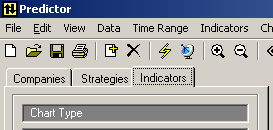
- Click the Indicators tab on the left panel.
- Select an indicator in the list.
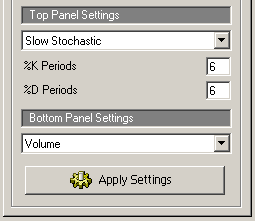
- Click Apply Settings.
Change the parameters
Select the indicator in the Indicators panel, change its parameter values and click Apply Settings. The same panel switches the chart type between simple, high-low-close and candlestick.
Price indicators
To add price indicators such as moving averages or Bollinger Bands, right-click the chart and choose them from the popup menu.
About the indicators themselves: technical analysis.