Keywords Search Tool: Free Keyword Research and Keyword Suggestion Tool for Windows

Keywords Search Tool finds the keyword phrases people actually type into search engines. Enter a keyword and the program collects autocomplete suggestions from Google, Bing, DuckDuckGo, YouTube, Amazon and Wikipedia, adds related words, and shows all of them in one de-duplicated list, ranked by how often each phrase appears.

Free download
Keywords Search Tool main window
Main window
Keywords Search Tool settings
Settings
Keywords Search Tool output
Output

Features

Seven keyword sources

  • Google, Bing and DuckDuckGo autocomplete: the phrases searchers type most often.
  • YouTube autocomplete for video keywords and Amazon autocomplete for product keywords.
  • Wikipedia article titles for topics, names and entities.
  • Related words (English): words and phrases with a similar meaning.
  • Turn each source on or off with a check box; a keyword found by several sources ranks higher.

16 countries and languages

  • United States, United Kingdom, Canada, Australia, India, Germany, France, Italy, Spain, Netherlands, Poland, Brazil, Mexico, Japan, Russia and Ukraine.
  • Each source is asked for suggestions in the language and country you select, so you get the keywords that visitors from that country really use.

More keywords from one search

  • A-Z expansion: searches the keyword followed by every letter and digit ("keyword a", "keyword b" ...) to find hundreds of long-tail phrases.
  • Questions: how, what, why, where, when, who, can, is, should ... + keyword.
  • Prepositions and comparisons: keyword + for, with, without, near, vs, best, free, online ...
  • Full mode combines all of them.
  • Search several keywords at once (separate them with ;) or import a list of seed keywords from a text or CSV file.
  • Double-click a keyword in the results to search it too; Append to results keeps growing the list.

Results you can sort and filter

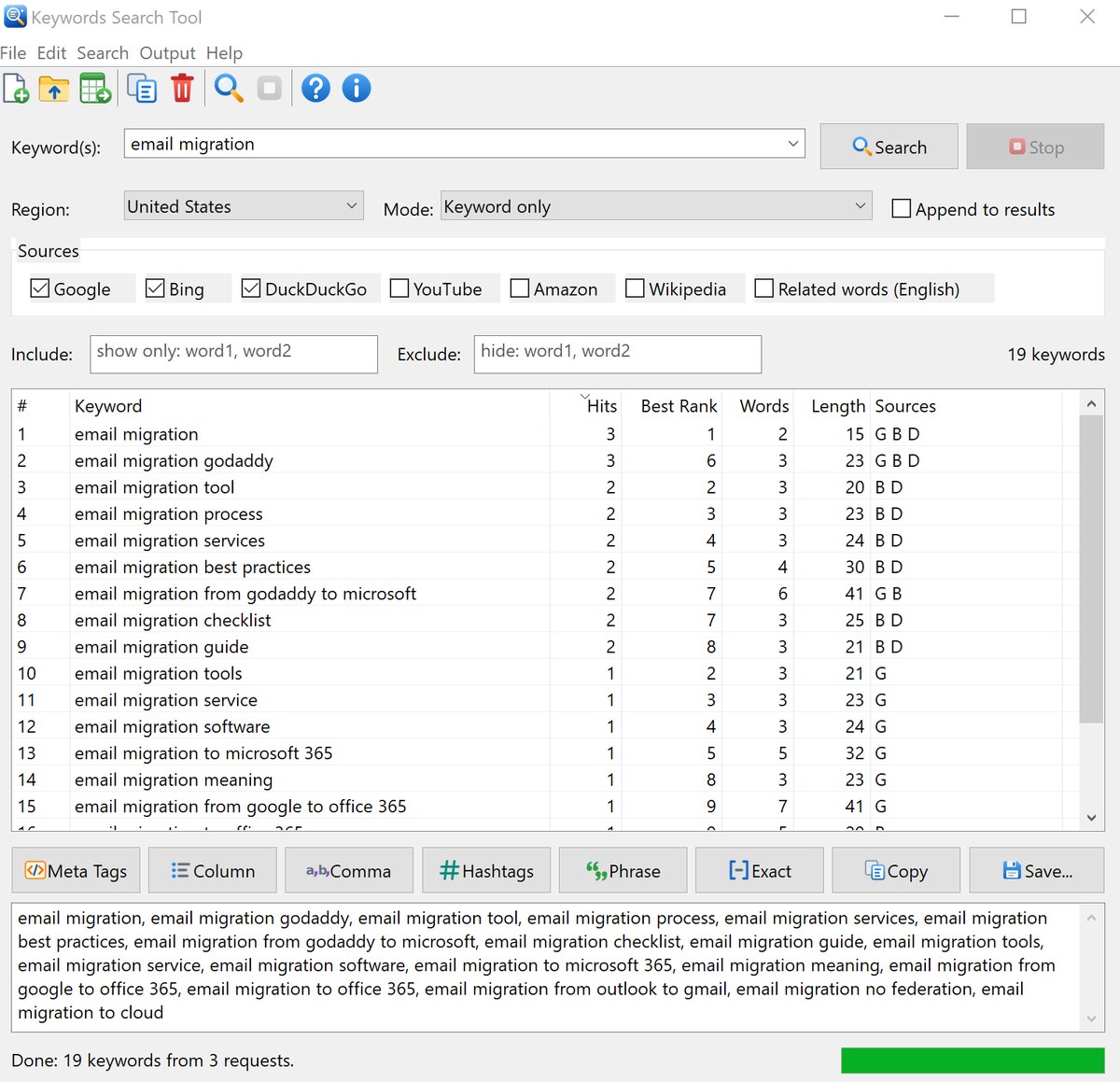
  • Each keyword is shown once, with Hits (how many suggestion lists contained it), Best Rank, number of Words, Length and the Sources that returned it.
  • Click a column header to sort; the list handles thousands of keywords.
  • Include and Exclude boxes filter the list as you type.
  • Open any keyword in Google to see the current search results.

Output and export

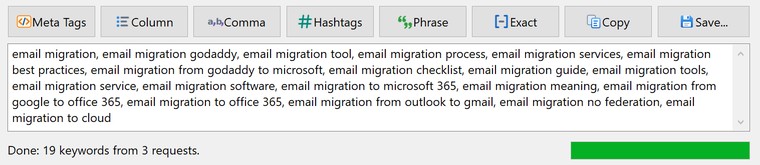
  • One-click output formats: HTML meta tags, column list, comma separated list, #hashtags, "phrase match" and [exact match] keywords for Google Ads and Microsoft Ads.
  • Copy the output to the clipboard or save it to a text or HTML file.
  • Export to CSV (opens in Excel with all columns) or to a plain text file.
  • Keyword history, sources, region, mode, window size and position are remembered between sessions.

Use it to choose keywords for web pages, titles and meta tags, find long-tail phrases and the questions people ask about a topic, plan blog posts and YouTube videos, and build keyword lists for Google Ads and Microsoft Ads. Suggestions can be searched for 16 countries and languages, and the results can be turned into HTML meta tags, comma lists, hashtags or phrase and exact match keywords with one click, or exported to Excel.

Main window

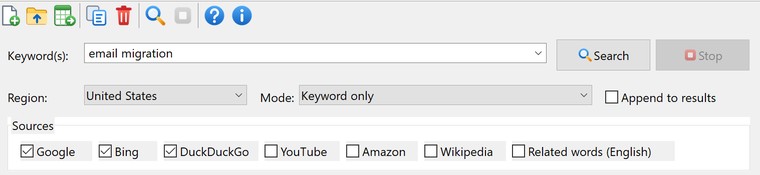
Type a keyword at the top, choose the region, the mode and the sources, and click Search. The list in the middle shows the keywords found; the buttons below it turn the list into meta tags, keyword lists or hashtags in the output box. In the screenshot below "email migration" was searched on Google, Bing and DuckDuckGo.