Simple Startup Manager
$24.95See and control everything that starts with Windows 10 and 11: Run keys, startup folders, services, drivers, scheduled tasks and more.

Advanced File Shredder is a privacy utility for Windows 10 and Windows 11 that securely erases files and folders, the contents of the Recycle Bin and the free space of a drive. It overwrites your data with cryptographically strong random data, the 7-pass US DoD 5220.22-M standard or Gutmann’s 35-pass method, then reads the last pass back from the disk to verify the data was really overwritten.
Download free trial Buy now – $29.95Shredding on an SSD? A solid-state drive writes each pass to fresh flash cells, so extra passes add only time and wear. Advanced File Shredder detects SSDs, recommends a single random pass when wiping their free space and can retrim the drive afterwards. To erase a whole SSD before disposal, use the drive’s own secure erase command. A file will not shred because it is in use? Advanced Process Explorer shows which program has it open.
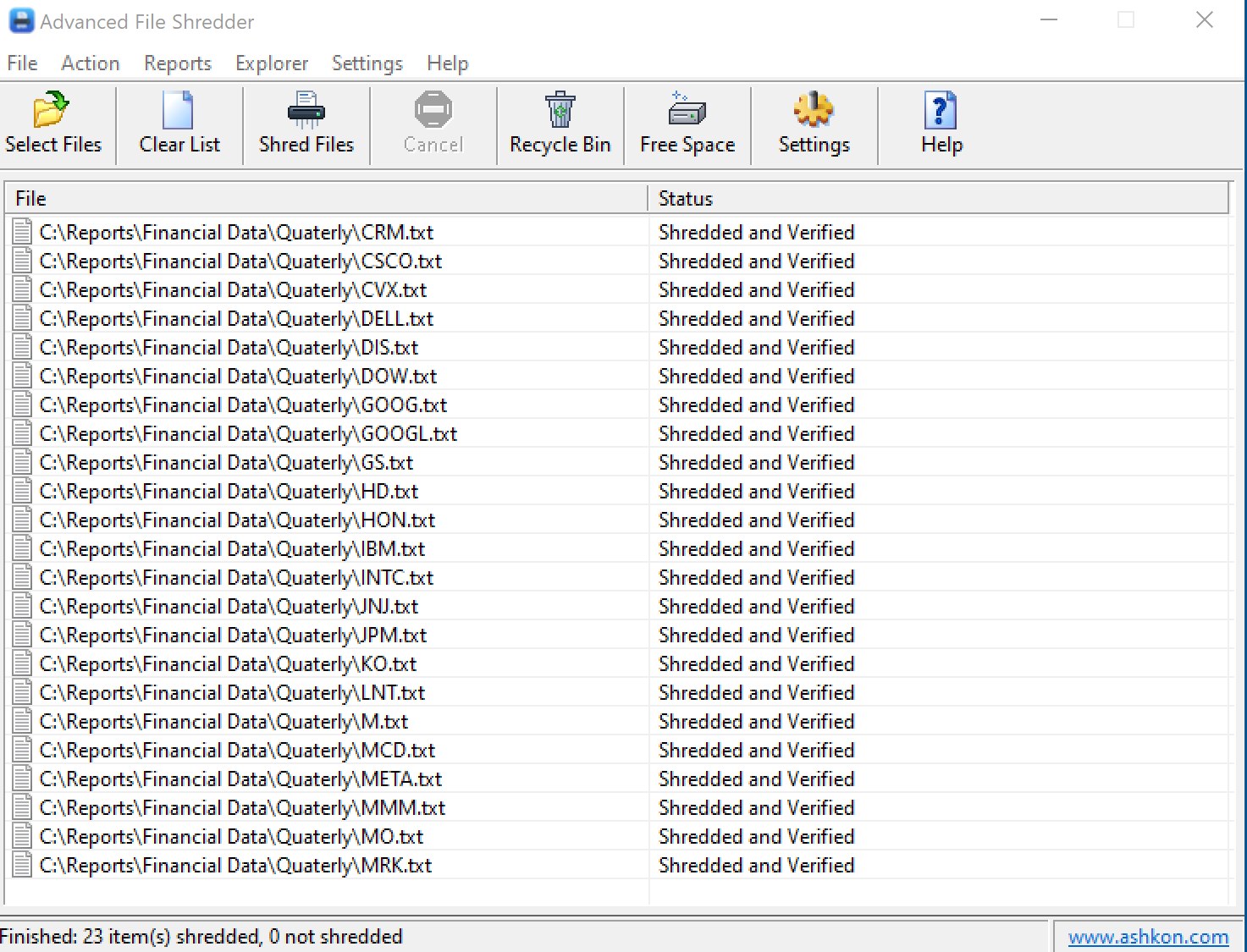
Why shred? Windows does not physically remove files from your disk. When you delete files and empty the Recycle Bin, business or financial data can still be recovered with data recovery software. Files deleted with Advanced File Shredder cannot be restored.
Read the full Advanced File Shredder User Guide: shredding files and folders, settings, the Recycle Bin, wiping free space and erasure reports.
Read more about Gutmann’s method, strong random data and NTFS file streams.
Deleting a file and emptying the Recycle Bin does not physically remove its data from the disk, so data recovery software can often restore it. Advanced File Shredder overwrites the file's data, can read the last pass back to verify it, and only then deletes the file. Shredded files cannot be restored.
One pass of cryptographically strong random data is enough on any modern hard disk. The US DoD 5220.22-M method (7 passes) and Gutmann's method (35 passes) are there when a policy asks for them; they take much longer. Turn on Verify erasure to read the last pass back from the disk.
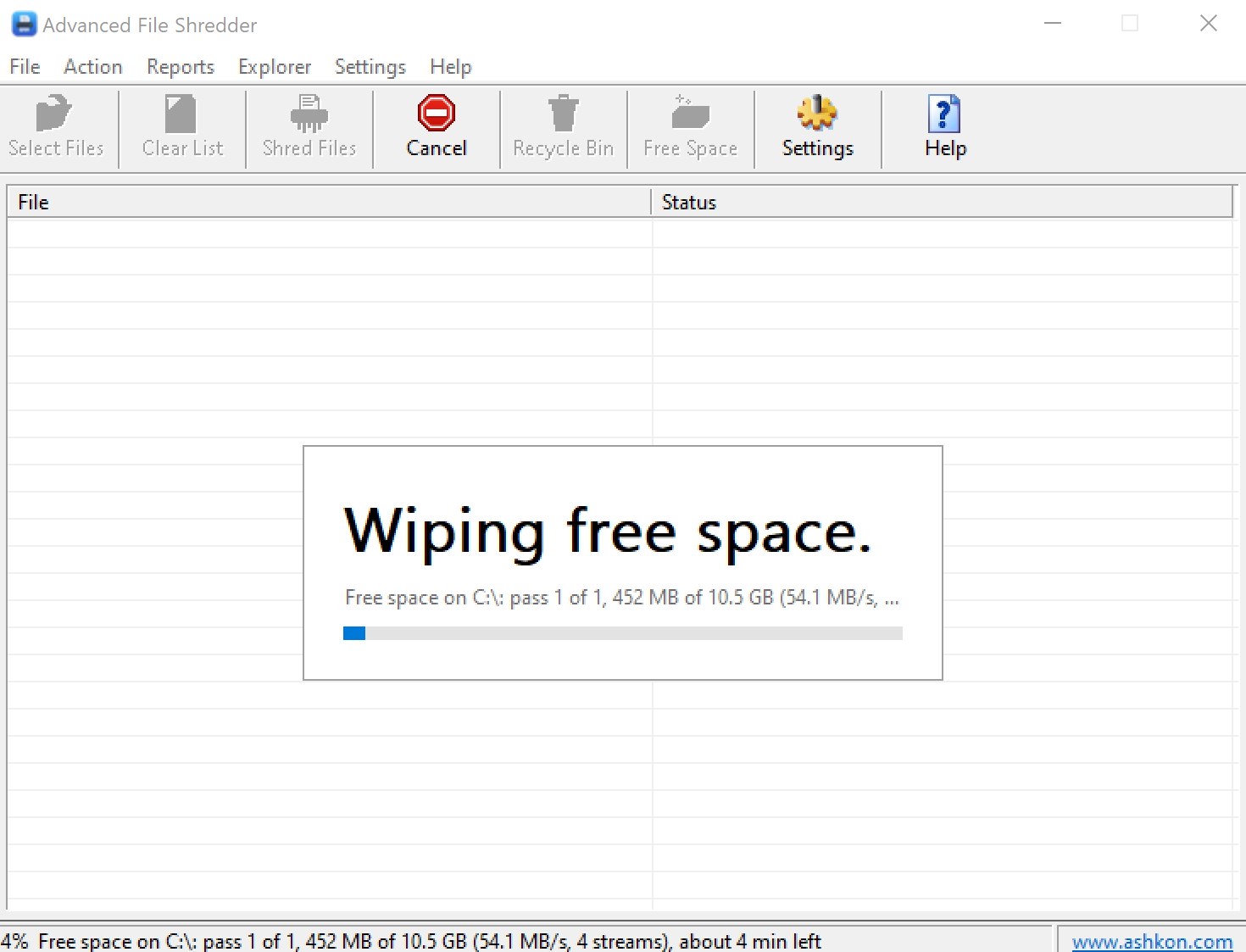
Choose Action > Wipe Free Space, pick the drive and click Wipe. The free space is filled with temporary files of overwrite data, which are deleted at the end; your files are not touched. While it runs the drive is full, so close programs that write to it first.
On an SSD, wear leveling can keep copies of old data in flash cells that no program can reach, so overwriting is less complete than on a hard disk. Advanced File Shredder detects SSDs, recommends a single random pass (more passes only add time and wear) and can retrim the drive after wiping free space, so the drive erases unused blocks itself. To erase a whole SSD before disposal, use the drive's built-in secure erase command.
Choose Action > Shred Recycle Bin Contents, or right-click the Recycle Bin and choose Shred Recycle Bin contents once the Explorer menu is added. The items are shredded with the method chosen in Settings and cannot be restored.
A file that another program has open is left completely intact and is reported as access denied or in use. Close the program that uses it and shred the file again.
Yes. The free 30-day evaluation version lets you try Advanced File Shredder before you buy. A license is $29.95.
After a completed secure online order, an unlocking key file is emailed to you within two business days. Questions about ordering or registration: order@ashkon.com. Prices for all products are on the Order page.
See and control everything that starts with Windows 10 and 11: Run keys, startup folders, services, drivers, scheduled tasks and more.
Calculate MD5, SHA-256, SHA-3, BLAKE3, CRC32, xxHash and 32 hash algorithms for many files and folders at once, multi-threaded, with export.
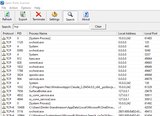
Lists every open TCP and UDP port and connection, IPv4 and IPv6, with the owning process, remote host name and network owner. A readable replacement for netstat.