Stock Predictor guide
Stock Predictor User Interface
Learn what the menus, buttons and commands do before you start. Each part of the window has its own page with the details.
System menu
File, Edit, View, Data, Time Range, Chart, Trading, Report and Help commands.

Toolbar
One-click buttons for symbol lists, data updates, chart navigation and manual Buy and Sell signals.

Left and right tabs
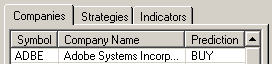
The left tabs hold Companies, Strategies and Indicators; the right tabs switch between the Daily Chart and the Trading History.

Popup menus
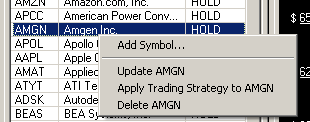
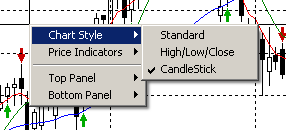
Right-click a company or the chart for quick commands.