Advanced DBX Viewer: Open Outlook Express DBX Files without Outlook Express
Advanced DBX Viewer reads the mail stores of Microsoft Outlook Express 5 and 6 (.dbx files) on a modern Windows PC. Browse the folder tree, read e-mail and newsgroup articles as they were sent, save attachments, search, and export old mail to Outlook PST, EML, MSG, MBOX, PDF and more — no Outlook Express, no mail account and no import needed.
Outlook Express 5 and 6 message stores: open Folders.dbx (or simply the store folder) to get the complete folder tree, or open a single folder file such as Inbox.dbx or Sent Items.dbx.
No Outlook Express needed — no identities, no accounts and no import into another mail program.
Read-only access: the .dbx files are never written to, so evidence and old backups stay exactly as they are.
Several stores at once — different identities, old backups and copies from other PCs side by side in one folder tree.
Open files from the File menu, by drag and drop, from the command line, the recent files list or with “Open with” in Windows Explorer.
Fast on big files: the first messages appear at once while large folders keep loading in the background.
Full Unicode for file names, folder names and message text in any language and character set.
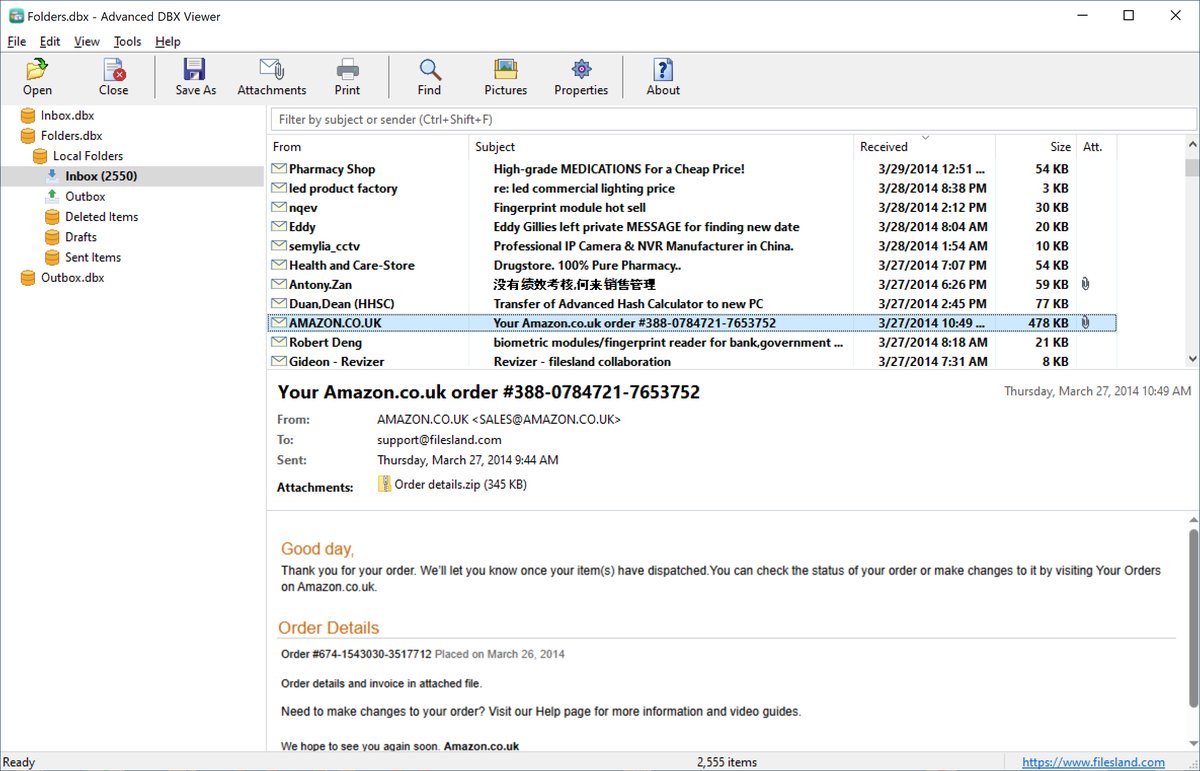
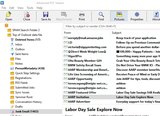
Familiar three-pane layout: folder tree with unread counts, message list and reading pane. Window layout, columns and sort order are remembered.
Accurate message display
HTML messages rendered by Microsoft Edge WebView2 with their inline pictures, so newsletters, tables and signatures look the way they were designed.
Plain text, format=flowed text and uuencoded attachments inside the message text are handled correctly.
E-mail messages and newsgroup articles; signed messages (S/MIME, PGP/MIME) show their text.
Privacy protection: scripts never run, links open in your own browser, and pictures from the Internet (including tracking pixels) load only when you allow it.
Print messages with a full header block.
Attachments
Open, save and save all attachments of a message; attached messages open in their own window.
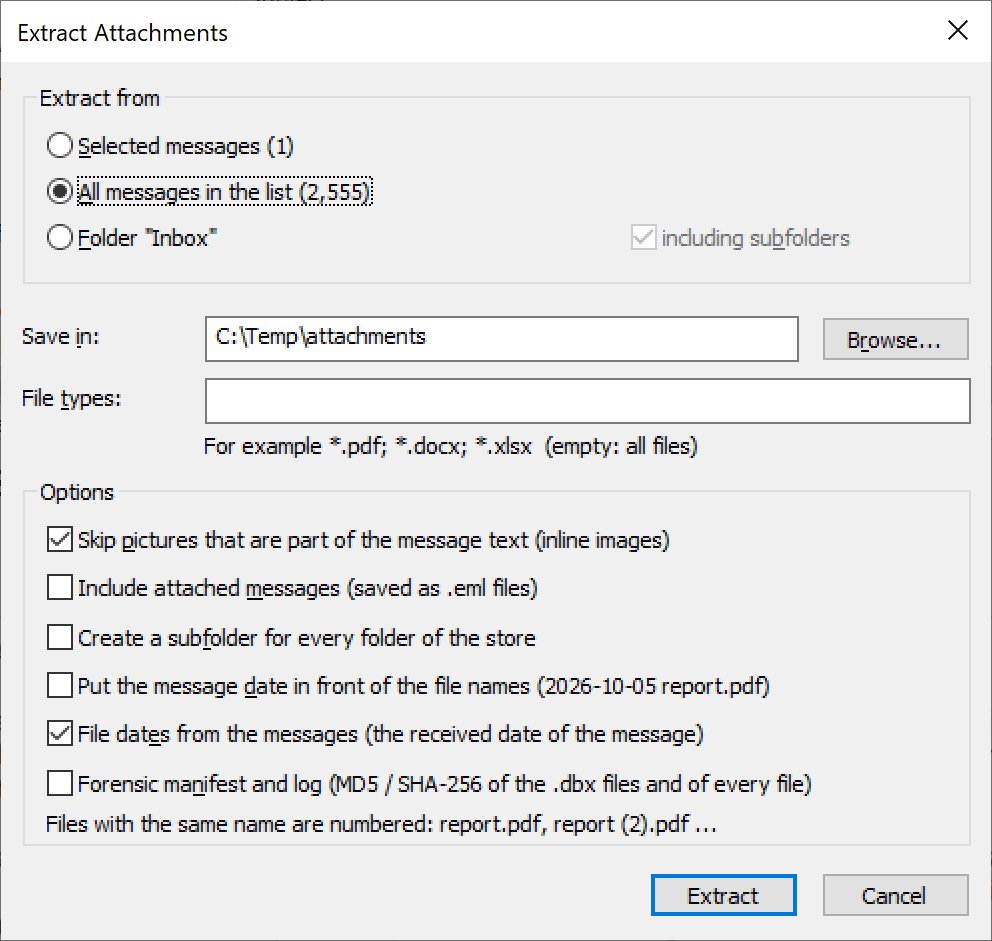
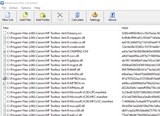
Bulk attachment extraction from selected messages, the whole message list or a folder with its subfolders.
Filter by file type (*.pdf; *.docx), skip inline pictures, save attached messages as .eml, create a subfolder for each mail folder, put the message date in front of file names.
Save and export
Save a message as EML (the original message), single-file HTML, plain text or PDF.
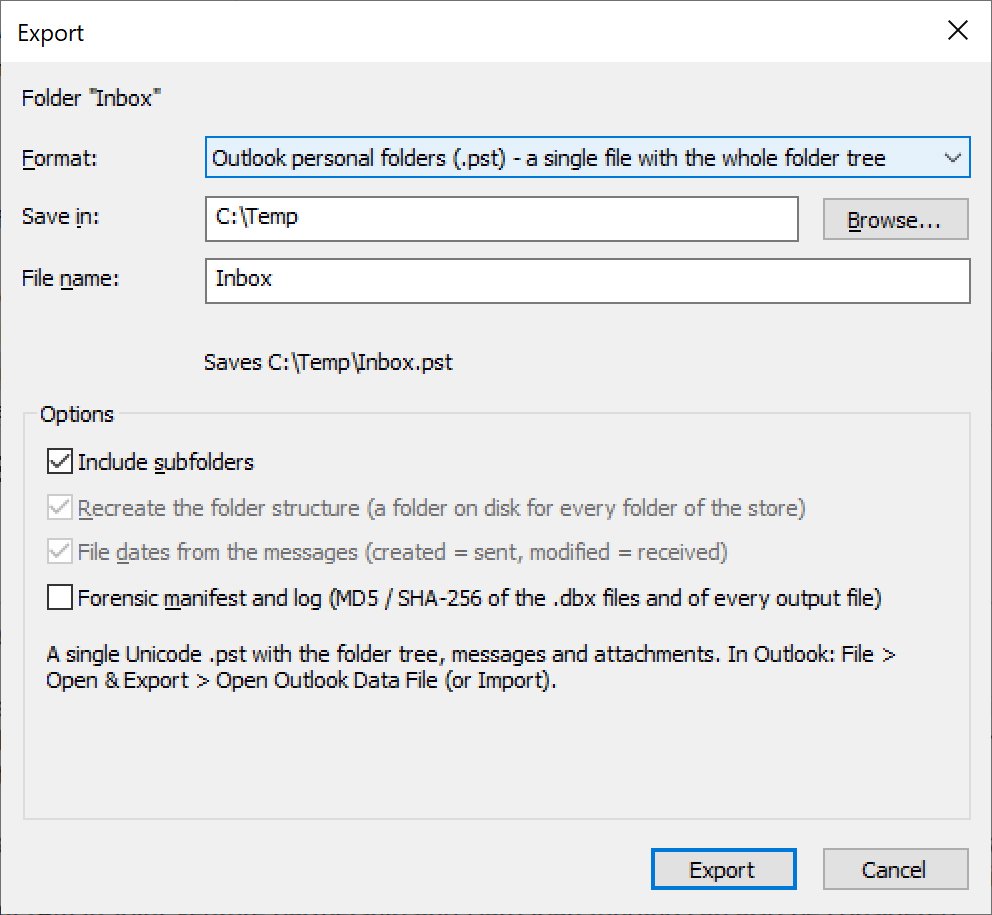
Export to Outlook PST: a single Unicode .pst file with the whole folder tree, messages and attachments — neither Outlook nor MAPI has to be installed.
Export selected messages, a folder or a folder with all subfolders to EML, HTML, TXT, PDF, MBOX (Thunderbird, Apple Mail) or MSG (Outlook messages).
Recreate the folder structure on disk and name files with your own pattern, e.g. {date}_{from}_{subject}; long paths are shortened, duplicate names are numbered.
Exported files keep the message dates as file dates (created = sent, modified = received).
Export the message list to CSV for Excel, reports and eDiscovery.
Search and organize
Find messages by subject, sender, recipients, message text or attachment names, with match case, whole words, date range, size range and “with attachments” options.
Search all open files at once: several identities or backups in one result list, with the source file of every message.
Search hits highlighted in the message text, subject, header lines and attachment names.
Quick filter box above the message list (Ctrl+Shift+F).
Column chooser (To, Cc, Sent, Importance, Flag, Categories and more) and grouping by date.
Damaged files and deleted mail
Recover deleted messages that Outlook Express has not yet compacted away.
Find folder files missing from Folders.dbx and show them in their own branch of the tree.
Read damaged .dbx files without changing them: broken headers or indexes, files cut off at the 2 GB limit and a damaged Folders.dbx.
Forensic and technical tools
Internet headers, the .dbx index fields and the MIME structure of any message.
MD5 and SHA-256 of the source files in File Information.
Forensic manifest and log for exports: origin, file offset and hashes of every exported message or attachment.
Outlook Express address books
Open .wab address books: view contacts and groups with every field, and find deleted contacts.
Export contacts to CSV (Outlook column names) or vCard.
Outlook Express was removed from Windows years ago, but many people still have .dbx files in old backups and on retired hard drives. Advanced DBX Viewer reads them directly, so you can find a message from 2005 in seconds, or move a whole Outlook Express mailbox into Outlook with one PST export. Your data files are opened read-only and are never modified.
Screenshots
Export an Outlook Express folder tree to a single Outlook PST fileExtract the attachments of thousands of messages at once
Read the full Advanced DBX Viewer User Guide: opening Outlook Express stores, searching, saving attachments, exporting to PST, EML, MSG, MBOX and PDF, recovering deleted messages and reading address books.
Ordering
After a completed secure online order, an unlocking key file is emailed to you within two business days. Questions about ordering or registration: order@ashkon.com. Prices for all products are on the Order page.