Stock Quotes Pro
$49.95Downloads end-of-day historical prices for stocks, mutual funds and indices in a customizable ASCII format compatible with MetaStock, TradeStation and SuperCharts.

Instantly download intraday and end-of-day (EOD) historical quotes of stocks traded on US and international exchanges. Data is saved in a custom ASCII format compatible with MetaStock, SuperCharts, Elliott Wave Analyzer, Advanced Get, TradeStation, Microsoft Excel and other packages. No subscription fees – just a one-time registration fee of $49.95.
Download free trial Buy now – $49.95.csv so Excel opens the files directly, or check MetaStock for a MetaStock-ready layout.-auto command line option opens a symbol list and downloads it, so Windows Task Scheduler can run it after the market closes.Only need end-of-day prices for a custom date range? Stock Quotes Pro downloads daily prices for any From and To dates. To look at the data as charts, try CharTTool.
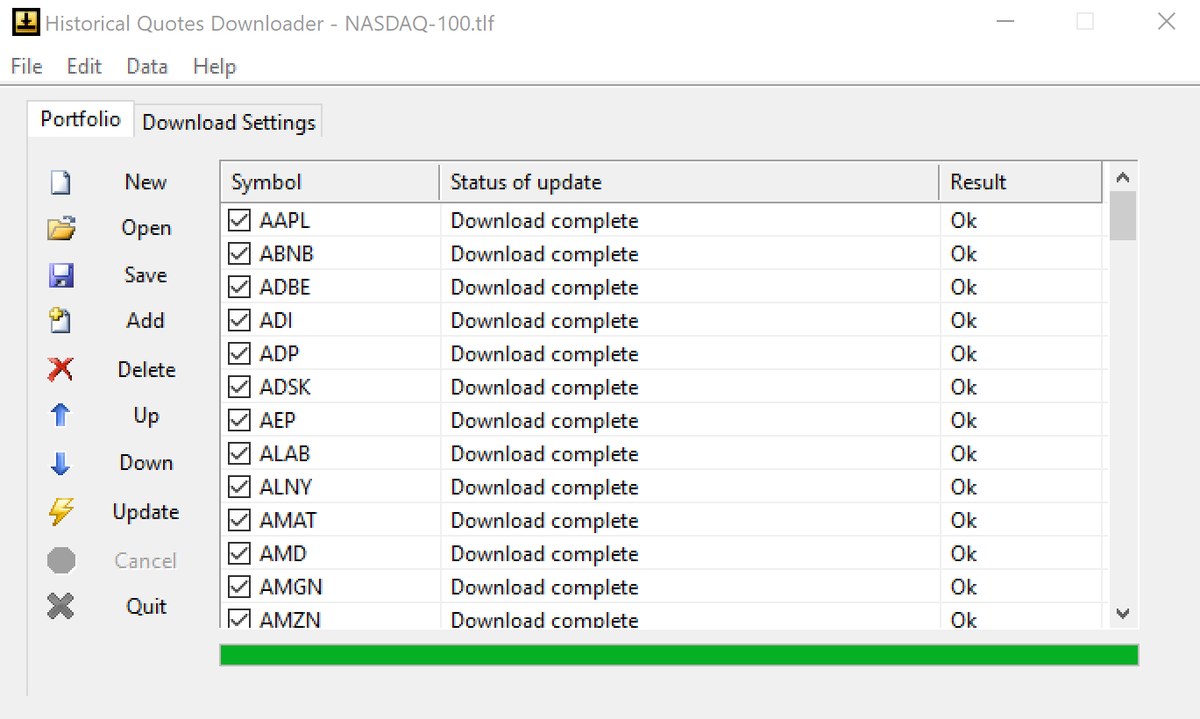
Historical stock prices are downloaded from free internet sources. Whether you need daily stock quotes or intraday data, the output can be formatted for:
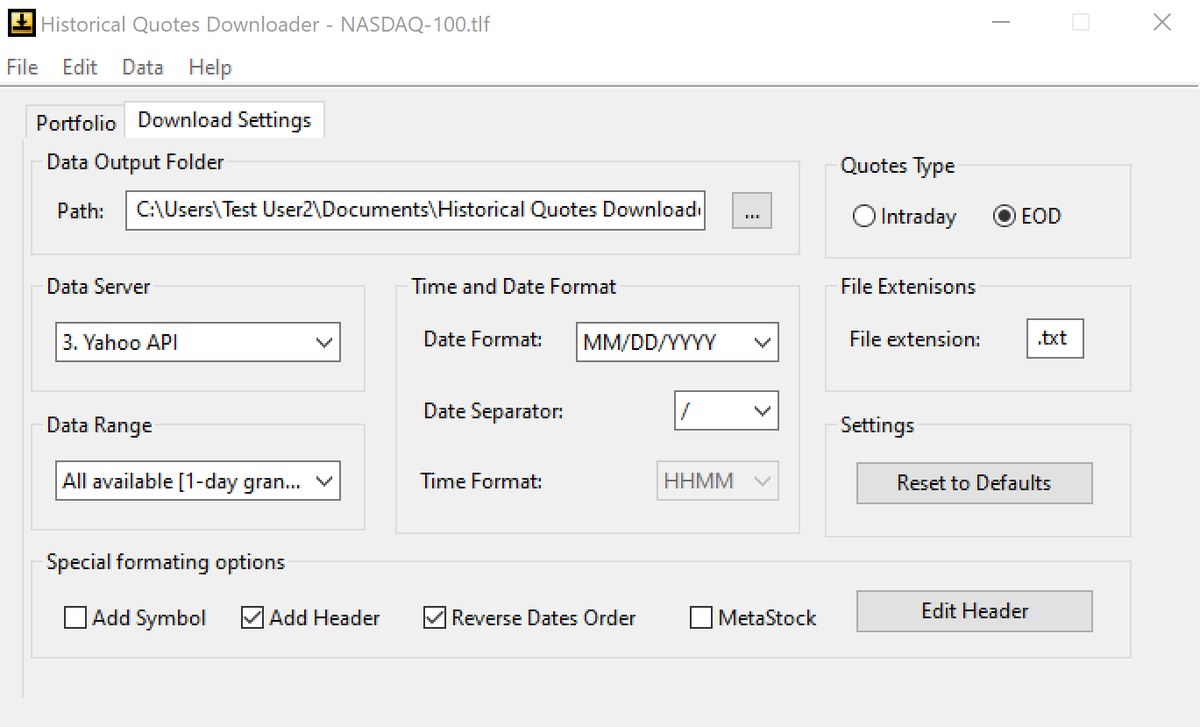
On the Download Settings tab select EOD, a data server and a data range, and set the file extension to .csv. Add your symbols on the Portfolio tab and click Update. Each symbol is saved to its own comma-separated file that Excel opens directly.
Yes. Select Intraday under Quotes Type. Depending on the data server you get 1-minute bars for the last day or the last 7 days, or 5-minute bars for the last 5 days.
Up to 1000 symbols in one symbol list. For more symbols, split them into several lists and update them one by one.
Yes. Run the program with the -auto option and the path of a symbol list file. It opens the list, checks all symbols and starts the download with the current Download Settings, so you can run it from Windows Task Scheduler after the market closes.
No. Quotes are downloaded from free internet sources, with no subscription or data fees. The program itself has a one-time registration fee of $49.95.
Yes. It runs on Windows 7, 8, 8.1, 10 and 11, 32-bit and 64-bit.
Yes. You can download a free 10-day evaluation version and try your own symbols before you buy.
After a completed secure online order, an unlocking key file is emailed to you within two business days. Questions about ordering or registration: order@ashkon.com. Prices for all products are on the Order page.
Downloads end-of-day historical prices for stocks, mutual funds and indices in a customizable ASCII format compatible with MetaStock, TradeStation and SuperCharts.

Stock charting and technical analysis software. Backtest trading strategies, view buy and sell signals on charts, with dozens of indicators and 600+ combined strategies.

Watch 150 stock industries and 5000+ stocks: quotes, price changes, volume, reports, news, charts and portfolios.